Remove Logo for a Clean Finish
Remove logo instantly with AI. Erase watermarks, branding, or logos from photos to produce professional content for social, product, or print use.
Start by clicking on a template below

Remove any parts that you don't need
Erase Logos without Traces
Remove logo from photo with AI precision—eliminating text, icons, and watermarks. This AI logo remover enhances clarity by targeting disruptive branding. Whether it's erase watermark or delete branding image, the tool restores your original visual focus.

Streamlined Workflow for Creators
Remove logo solutions support content creators needing clean visuals for video thumbnails, product photos, or presentation materials. It works online without downloads, adapting to various formats and resolutions.
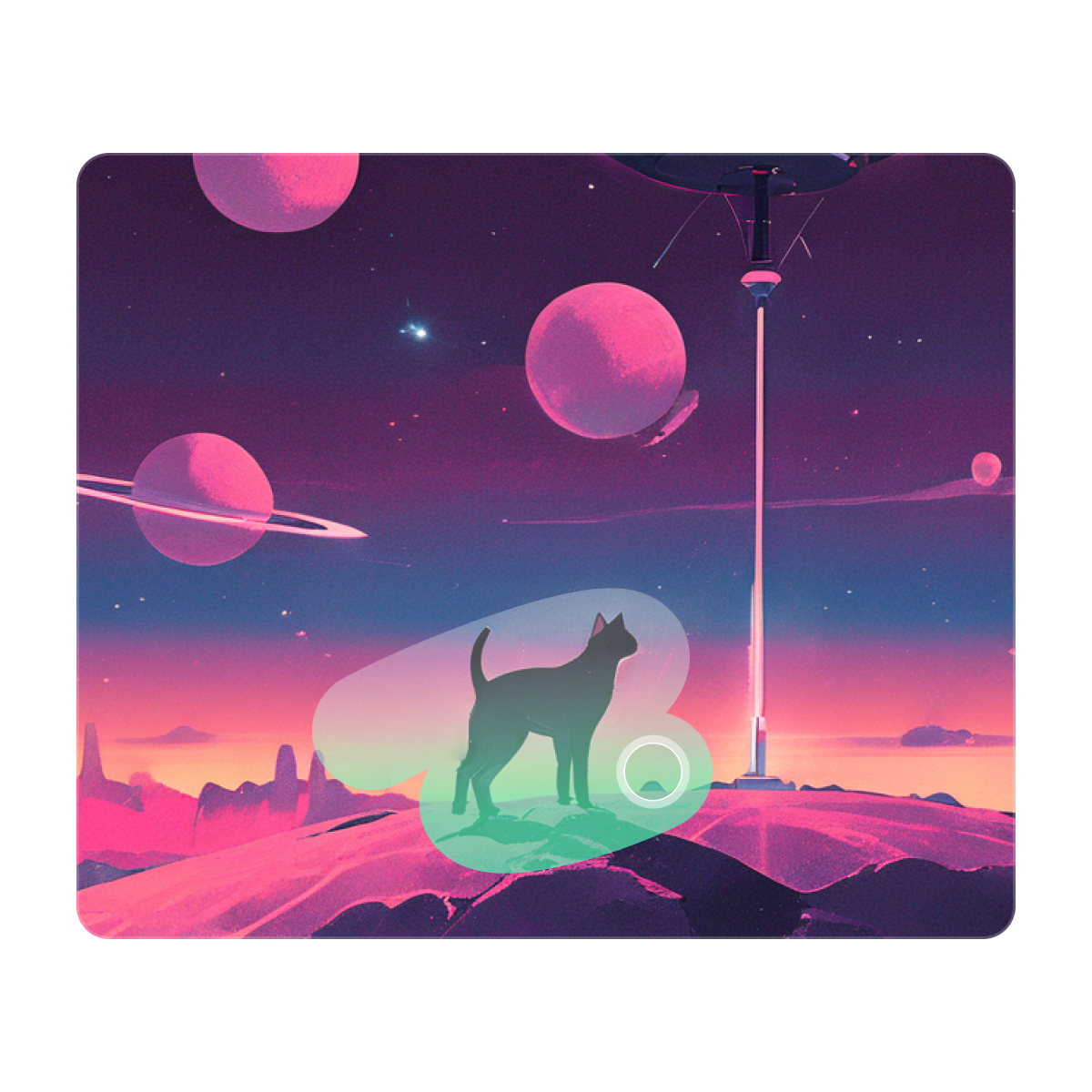
Professional Edits Made Easy
Unlike manual cloning, remove logo uses AI to intelligently detect and erase markings while maintaining background harmony. Perfect for non-designers who need quick, professional results.

How to Remove Objects
Upload
Click to upload or drag-and-drop an image.
Swipe
Click "Object Remover" in the top toolbar. Swipe and remove any unwanted elements or areas to your liking.
Generate
Click "Eraser" and wait for the area to disappear.
FAQ
We offer more
Recommend

AI Poster
AI Poster Maker:Generate , Edit, Done!
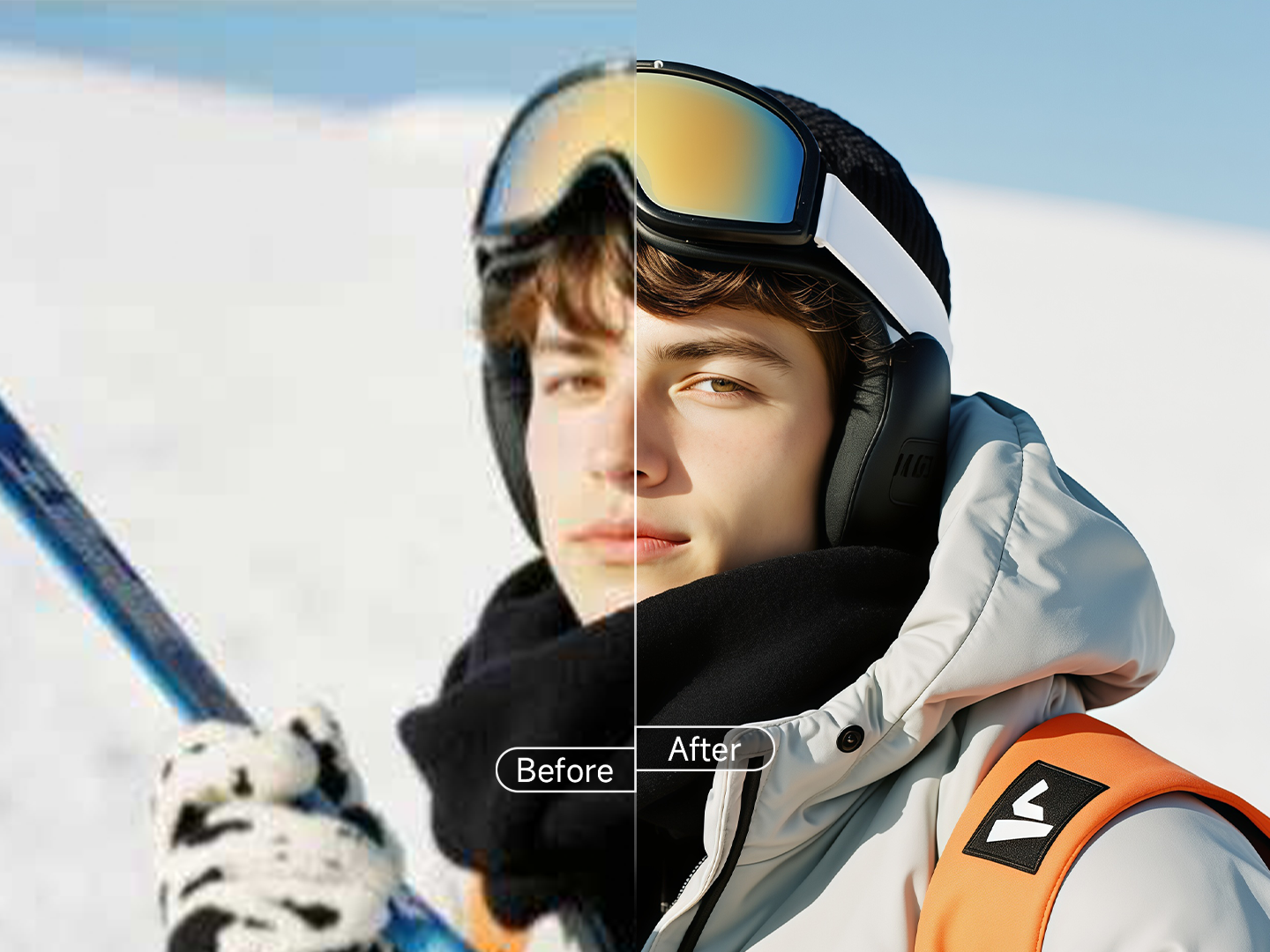
Image Enhancer
Enhance image quality and enrich image details

Image Editor
Easily modify specific image details.

Background Remover
Remove background for a clear and complete subject
AI Poster
AI Poster Maker:Generate , Edit, Done!
Image Enhancer
Enhance image quality and enrich image details
Image Editor
Easily modify specific image details.
Background Remover
Remove background for a clear and complete subject